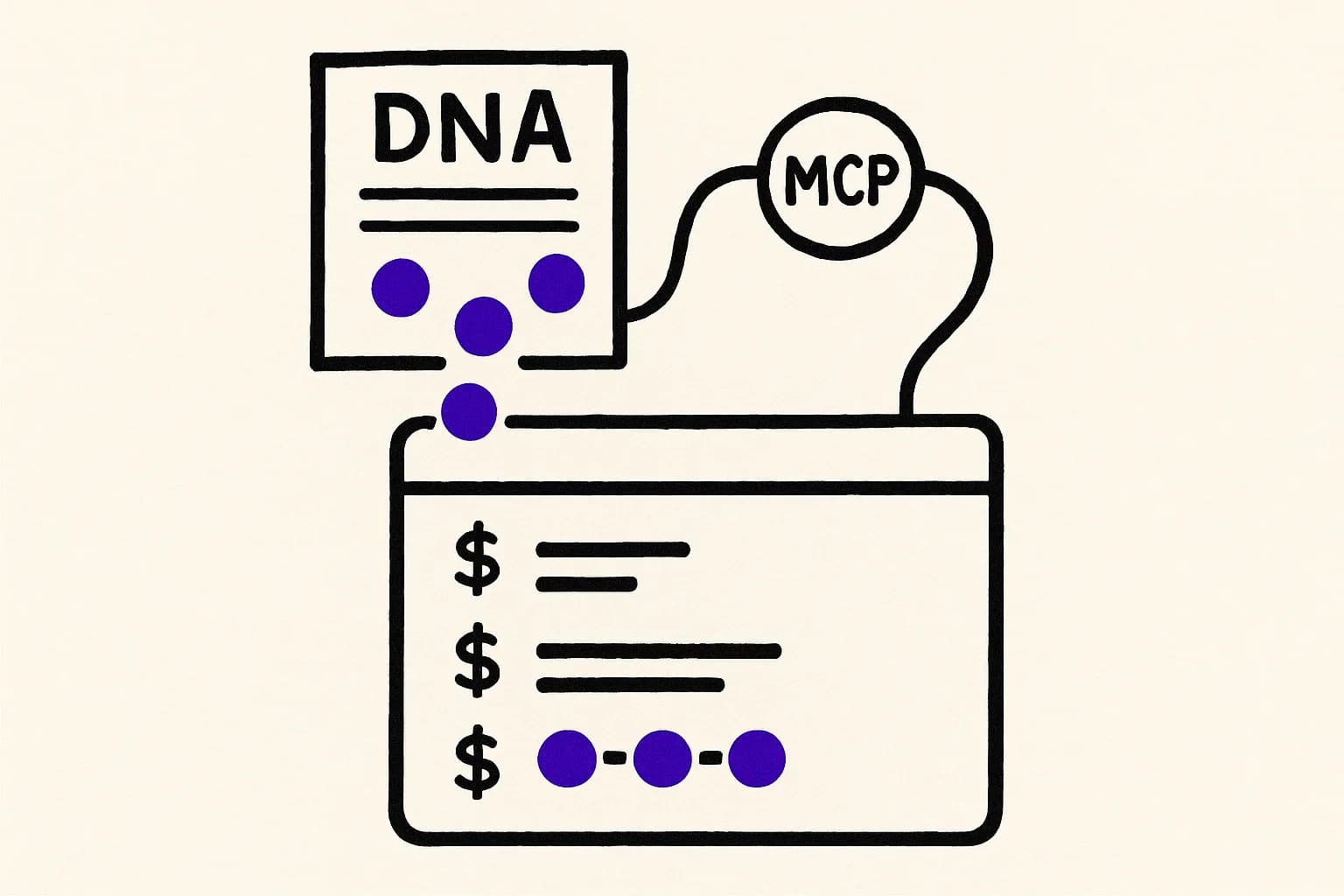
A developer opens a Jira ticket in the terminal with Rovo Dev CLI. The ticket says, "Add rate limiting to the public API endpoints." The CLI reads the ticket, enumerates the endpoints, and proposes a plan: token-bucket limiter, 60 requests per minute per client, Redis-backed. The plan is sensible. The developer reads it, remembers that the team chose sliding-window limits for their public API last quarter because the consistency guarantees mattered for a specific customer, and rewrites the plan by hand. The CLI did not have a way to know about that decision. It lived in a Slack thread and three people's heads.
This is the gap between "ticket-driven execution" and "identity-driven execution." A ticket describes what should happen. It rarely describes how it must happen inside this specific system, because the how is obvious to everyone who has been on the team for more than a year. It is not obvious to an agent reading the ticket for the first time every morning. MCP is the socket that lets the agent reach out and ask.
The ticket is the input. It is not the constraint.
Rovo Dev CLI is a fast way to run focused agentic work against a single ticket or a batch of related ones. It has read access to Jira for context, git for file state, and a local shell for execution. That context is good enough for small, well-scoped tickets. It runs thin for tickets that touch decisions the team has already made about how their system is supposed to behave.
Most teams we talk to deal with this by layering prompts on top of the CLI. They write long preambles that describe their architecture in prose, paste them into every session, and hope the agent remembers. This works until the preamble goes stale. It always goes stale, because nobody has the discipline to update a 600-line prompt every time the team changes a retry policy. What the preamble is trying to encode is declarative: a set of decisions about what the system is. The right shape for that is a queryable artifact, not a scrolling prompt.
Rovo Dev CLI supports external MCP servers through its MCP configuration. Point that at Ribo and the declarations the preamble was trying to encode become queryable. The CLI's agent can fetch them on demand instead of reading them into context upfront.
What changes when the CLI can query declared intent
Ribo exposes four read tools over MCP: search, get artifact, list artifacts, walk relationships. Each tool is callable from inside a Rovo Dev CLI session. When the agent plans work for a ticket, it has the option to search Ribo for artifacts that govern the code paths the ticket touches.
Take the rate-limiting scenario. With Ribo mounted, the CLI's first move on the ticket is to search Ribo for artifacts related to the public API and to rate limiting. It finds the algorithm artifact that declares the sliding-window policy and cites the customer-consistency reason. It finds the integration artifact that names the Redis instance reserved for rate-limit state. It finds the constraint artifact that forbids per-endpoint overrides without a proposal. The plan the CLI proposes uses sliding windows, the right Redis, and no per-endpoint overrides. The developer reads the plan, approves it, and the PR that lands matches the team's standing decision.
The ticket was the input. The Ribo declarations were the constraint the input was executed inside.
Role-appropriate projection for a CLI agent
Rovo Dev CLI runs on a developer's machine and is tied to the developer's Atlassian identity. Treat it like any coding agent running locally: mint a narrow token. Ribo's DNA splits into thirteen layers: intent, contract, algorithm, evaluation, escalation, pace, monitor, glossary, integration, reporting, compliance, constraint, and tradeoff.
Expose the seven coding-agent layers: intent, contract, algorithm, glossary, constraint, tradeoff, and integration. Intent defines what the component does. Contract defines its interfaces. Algorithm defines how computations behave. Glossary translates the team's vocabulary, including the specific noun mappings teams have between their Jira terminology and their code. Constraint and tradeoff name what the system must not become and why. Integration names the external boundaries.
Withhold the six operational and review-time layers: compliance, evaluation, pace, monitor, reporting, escalation. The CLI is an authoring surface, not a review or ops surface. Narrower projection, lower token cost per call, smaller blast radius if the token ever leaks off a laptop.
How to wire it up
First, mint the Ribo token. In the Ribo console, go to Agents, create an agent named rovo-dev-<username>-<repo>. Set scopes to artifact:read. Set projectIds to the Ribo project or projects covering the repos this developer works in. Set allowed_kinds to the seven-layer coding-agent projection. Capture the bearer token.
Second, add Ribo to Rovo Dev CLI's MCP config. The file lives at ~/.rovodev/mcp.json. You can edit it directly, or use acli rovodev mcp to manage entries interactively. The entry:
| Field | Value |
|---|---|
| Server key | ribo |
transport | http |
url | https://mcp.ribo.dev/context/mcp |
| Authorization header | Bearer token from the Ribo console |
Save the file. Inside a Rovo Dev CLI session, run /mcp to confirm the server is registered and the Ribo tools appear. The agent will now call them during planning and execution whenever the tool selection heuristic decides a declared artifact would inform the next step.
What the ticket-to-PR cycle looks like after wiring
The visible change is in the plan the CLI produces before execution. Without Ribo, the plan reads like a reasonable proposal from someone who has just read the ticket. With Ribo, the plan reads like a proposal from someone who has read the ticket and the team's standing decisions. Artifacts get cited. The plan names which algorithm, contract, or constraint informs each step.
Reviewers notice the difference two hops later, when the PR lands. They stop needing to ask "did the agent consider the sliding-window decision" and start asking "is the sliding-window decision still correct," which is the conversation the team actually wants to be having.
Why this integration earns its keep
Rovo Dev CLI's positioning is speed: run focused agentic work against a ticket without context-switching into a separate chat UI. The speed advantage erodes when every session requires a long preamble to encode the architecture. Wiring Ribo in removes the preamble. The architecture lives in declared artifacts, the CLI reads them on demand, and each ticket executes inside the intent envelope the team has already agreed on.
Teams that treat Ribo as the declaration surface and Rovo Dev CLI as an execution surface end up with a pattern that works beyond either tool in isolation: the ticket names the work, the artifact names the shape the work has to take, and the agent composes both into a PR that fits. That composition is the whole point of identity-aware agentic development.
Rovo executes the ticket. Ribo declares the shape. The composition is the PR that belongs in this codebase, not a plausible one for any codebase.